
Enterprise Vault Migration Checklist: 15 Questions Before You Start

Planning an Enterprise Vault migration to Microsoft 365, Exchange Online, or another archive platform? Before moving your data, you need to understand what is stored in your existing Enterprise Vault environment, how it is accessed, and what must be preserved during the transition.
A successful Enterprise Vault migration starts with a detailed assessment of mailbox archives, journal archives, Vault Stores, storage dependencies, retention requirements, and destination compatibility.
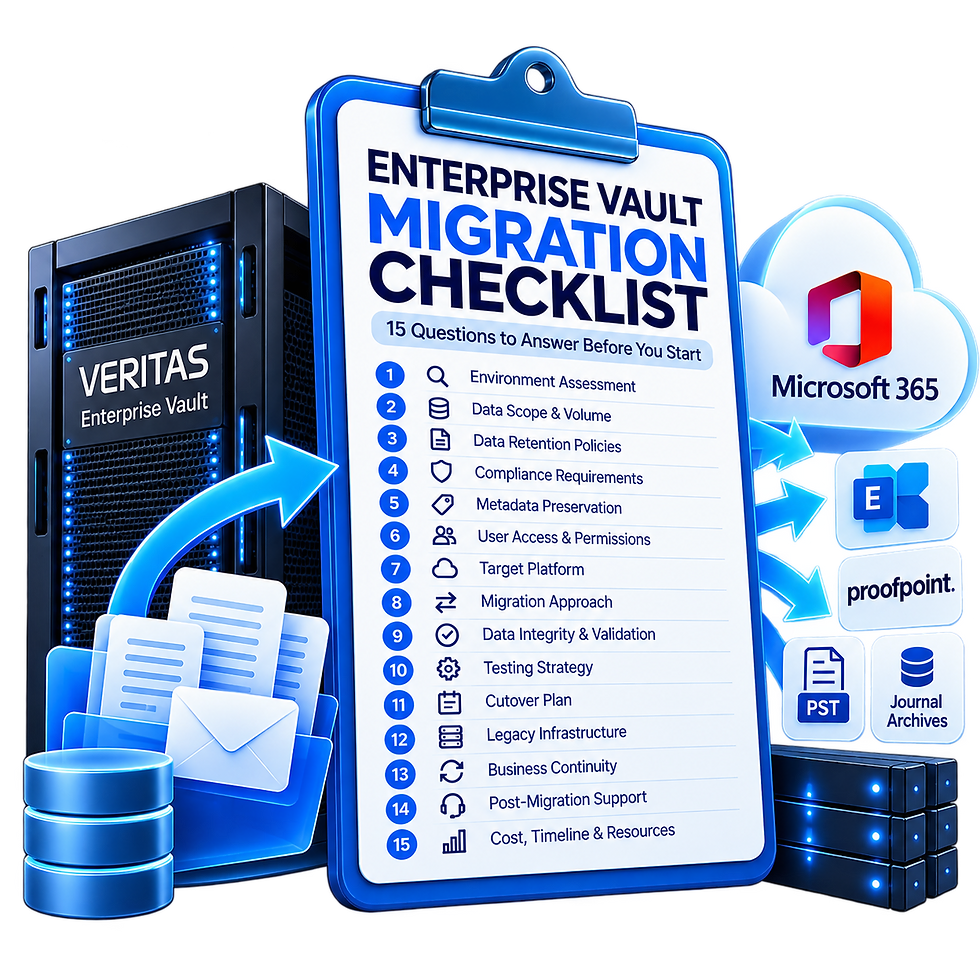
This checklist covers 15 essential questions organizations should answer before migrating Veritas or Arctera Enterprise Vault.
Whether you're replacing an aging archive platform, migrating Enterprise Vault to Microsoft 365, or preparing to decommission legacy infrastructure, these questions will help you identify technical risks and build a practical migration plan.
What Should You Check Before an Enterprise Vault Migration?
Before selecting a migration approach, confirm:
Source environment: Enterprise Vault version, Vault Stores, partitions, and storage platforms.
Archive inventory: Mailbox archives, journal archives, item counts, and total data volume.
Destination: Microsoft 365, Exchange Online, Proofpoint, or another supported archive environment.
Compliance: Retention policies, legal holds, metadata, and audit requirements.
Migration method: How archived content will be transferred, tested, and validated.
Decommissioning: What must be verified before the original environment can be retired.
These considerations are especially important for large Enterprise Vault environments containing historical email archives and compliance records.
Enterprise Vault to Microsoft 365 Migration: Key Considerations
Organizations migrating Enterprise Vault to Microsoft 365 need to determine how existing archived content will be represented and accessed in the new environment.
Mailbox archives, journal archives, and archived-message shortcuts may require different handling.
The migration assessment should establish:
Which mailbox and journal archives are included.
How historical messages will be associated with the appropriate users or destinations.
How mailbox shortcuts will be handled.
Whether required retention and legal-hold capabilities are supported.
How migration results will be validated before Enterprise Vault is retired.
A destination should not be selected solely because it can store the archived content. It must also support the organization's access, discovery, and compliance requirements.
Need help planning your project? Explore our Enterprise Vault Migration Services or request a migration quote.
Frequently Asked Questions About Enterprise Vault Migration
Can Enterprise Vault be migrated to Microsoft 365?
Enterprise Vault mailbox and journal archives can be considered for migration to Microsoft 365, subject to source compatibility, archive requirements, and the capabilities of the intended destination. A technical assessment is needed to define the migration approach.
What is the difference between Enterprise Vault migration and extraction?
Enterprise Vault migration transfers archive data into a supported destination environment. Enterprise Vault Extraction is a separate service that produces EML or other license-enabled output files from supported Exchange and Domino mailbox and journal archives. Extraction does not include target-system ingestion.
How long does an Enterprise Vault migration take?
The timeline depends on archive size, item counts, source performance, destination limits, network capacity, and validation requirements. A pilot migration can help establish realistic throughput and scheduling.
What happens to Enterprise Vault mailbox shortcuts?
Mailbox shortcuts must be assessed as part of the migration plan. Depending on the method, archived messages may need to be restored or made accessible through the destination. Shortcut behavior should be tested before production migration.
Can Enterprise Vault be decommissioned after migration?
Enterprise Vault should only be decommissioned after the required archive content has been transferred, exceptions resolved or accepted, validation completed, and the organization has approved the resulting access and compliance arrangements.
Migrating Enterprise Vault involves more than transferring archived email. The right approach depends on your archive environment, destination platform, compliance requirements, and migration timeline.
Interlock Technology helps organizations assess Enterprise Vault environments and plan complex archive migrations.
Tell us about your existing environment and the destination you're considering. Our team can help you identify the next steps.


Comments