
EMC Centera Migration Guide: Moving Legacy CAS Storage to S3

Organizations replacing aging EMC Centera infrastructure often need to migrate years of business-critical archived data without disrupting the applications that depend on it.
EMC Centera migration involves transferring archived content from a legacy Content Addressed Storage (CAS) environment to another supported storage platform, such as S3-compatible object storage.
Unlike a straightforward file copy, Centera migration may require handling proprietary storage interfaces, C-Clips, application metadata, retention requirements, and data integrity validation.
This guide explains how EMC Centera to S3 migration works, what organizations should consider before replacing Centera, and how to plan a controlled transition.
Why Are Organizations Migrating From EMC Centera?
Many enterprises continue to operate EMC Centera environments that support historical business records, regulatory archives, and legacy applications.
Common reasons for migration include:
Legacy storage replacement: Retiring aging infrastructure and reducing maintenance dependencies.
Cloud modernization: Moving archived content to supported S3-compatible or cloud storage environments.
Storage consolidation: Combining multiple legacy repositories into a modern storage architecture.
Compliance requirements: Maintaining appropriate retention, governance, and audit controls.
Data center modernization: Addressing storage dependencies before infrastructure consolidation or retirement.
A successful migration requires understanding not only where the archived data resides, but also how applications retrieve and use that information.
How Does EMC Centera to S3 Migration Work?
EMC Centera and S3-compatible object storage use different interfaces and content-management approaches. Centera stores content through its CAS architecture, while S3-compatible platforms use object storage APIs and object identifiers.
Migrating from Centera to S3 may therefore require more than copying the underlying data.
1. Assess the Existing EMC Centera Environment
The first step is identifying the source environment and the applications that depend on it.
An assessment should establish:
Total archived data volume
Number of objects and C-Clips
Connected archive applications
Existing metadata and retention requirements
Source storage performance
Destination storage requirements
This information helps define the migration scope and identify potential technical constraints.
2. Plan the CAS-to-S3 Data Transformation
A CAS-to-S3 migration must account for differences between the source content structure and the destination object storage architecture. The migration design should establish how content and required metadata will be represented in the target environment.
Compatibility with applications that currently access Centera must be considered before production migration begins.
3. Transfer Archived Content
Once the migration approach has been tested, archived content can be transferred to the supported destination. For large enterprise environments, a phased migration may help manage source performance, migration throughput, and operational dependencies.
4. Validate the Migrated Data
Migration validation is essential before retiring the source storage.
Depending on the project, validation may include:
Source and destination inventory reconciliation
Object count verification
SHA256-based integrity checks
Metadata verification
Migration exception reporting
Application access testing
Validation requirements should be agreed upon before migration begins.
EMC Centera Replacement: Choosing the Right Destination
Organizations replacing EMC Centera commonly evaluate modern object storage and cloud platforms. Potential destinations include supported S3-compatible storage environments, on-premises object storage, and cloud storage services.
The right destination depends on the organization's application requirements, retention obligations, data-access patterns, and long-term infrastructure strategy.
Important: S3 compatibility alone does not guarantee that an application designed for Centera CAS will work unchanged with the new storage platform.
Application compatibility and any required transformation or integration must be assessed.
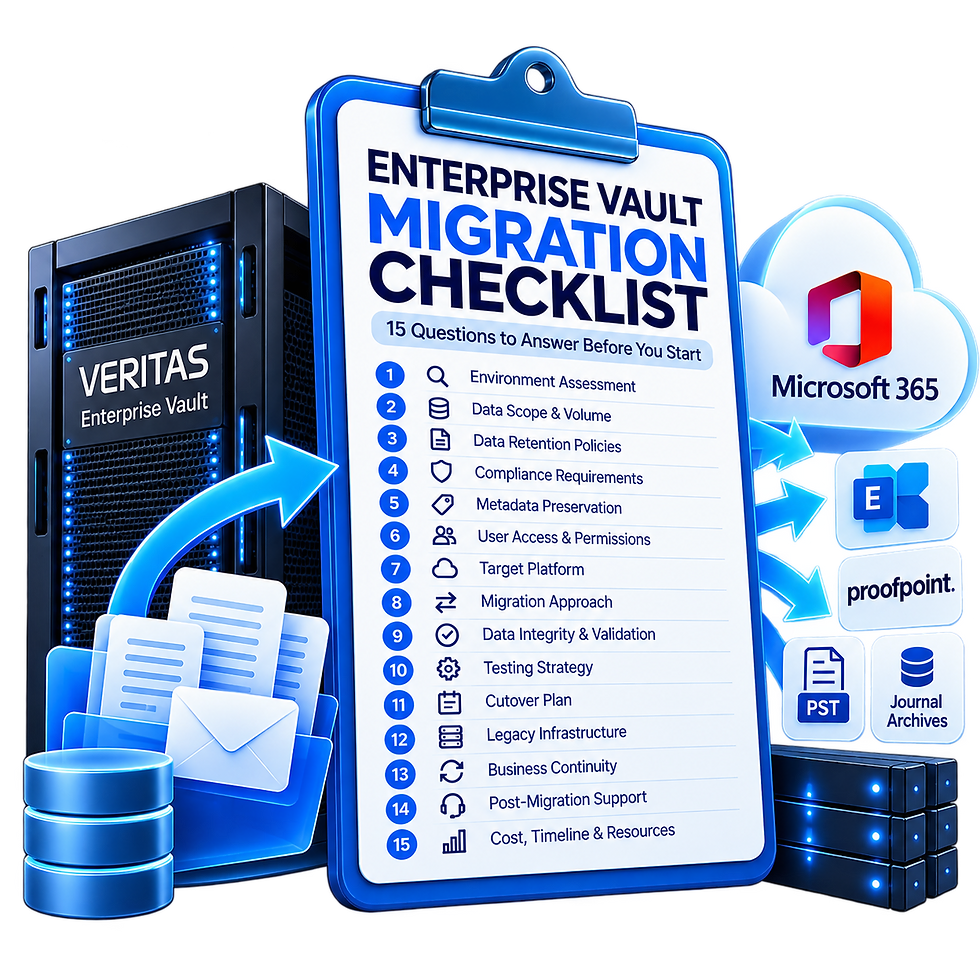
EMC Centera Migration and Enterprise Vault
Some EMC Centera environments provide underlying storage for Enterprise Vault archives.
In these environments, organizations must distinguish between two different projects:
Storage migration: Moving the underlying archived content from EMC Centera to another supported storage environment while addressing Enterprise Vault's storage dependencies.
Enterprise Vault archive migration: Moving archived information into a destination archive or messaging platform, such as Microsoft 365, where supported.
An organization may need one or both, depending on whether it is replacing storage, retiring Enterprise Vault, or modernizing its entire archive environment.
Common EMC Centera Migration Challenges
C-Clip and Metadata Handling
Centera content structures and metadata must be assessed to determine how required information will be transferred or represented in the destination.
Application Compatibility
Applications using Centera-specific interfaces may require configuration changes, integration work, or another supported access method after migration.
Retention and Compliance
Retention requirements, legal holds, and audit obligations must be evaluated against the capabilities of the destination platform.
Large Data Volumes
High object counts, source throughput limitations, and validation requirements can significantly affect migration timelines.
A representative pilot can help establish realistic performance expectations.
How Interlock Supports EMC Centera Migration
Interlock Technology specializes in enterprise data migration across legacy CAS, archive, and modern object storage environments. Our migration capabilities support organizations planning Centera replacement and CAS-to-S3 modernization projects.
Depending on the project scope, the migration process can include source assessment, protocol transformation, migration reporting, integrity validation, and exception management.
The objective is to help organizations transition away from legacy storage with a clear understanding of the technical requirements and migration results.
EMC Centera Migration FAQs
Can EMC Centera data be migrated to S3?
Yes. EMC Centera data can be migrated to suitable S3-compatible storage using an appropriate migration and transformation process. Source content structures, metadata, and application compatibility must be assessed.
What is CAS to S3 migration?
CAS to S3 migration transfers content from a content-addressed storage environment into an S3-compatible object storage platform. Differences in identifiers, interfaces, and metadata may require transformation.
What are the main risks of EMC Centera migration?
Key risks include incomplete data transfer, metadata incompatibility, application access issues, retention-policy differences, and inadequate validation.
How do you validate an EMC Centera migration?
Validation may include object reconciliation, SHA256 integrity checks, metadata verification, exception reporting, and application testing, depending on the selected migration workflow.
Can EMC Centera be replaced without migrating Enterprise Vault?
In some environments, the underlying storage can be modernized while retaining Enterprise Vault. The feasibility depends on the archive configuration, application dependencies, and supported migration approach.
Replacing EMC Centera requires careful consideration of your existing archive environment, destination platform, and data integrity requirements.
Interlock Technology helps organizations assess legacy CAS storage and plan migrations to supported modern storage environments.
Tell us about your existing Centera environment and where you're planning to move your data. Our team can help you explore the appropriate migration approach.


Comments